Air hockey rules
Objective
Seven goals wins
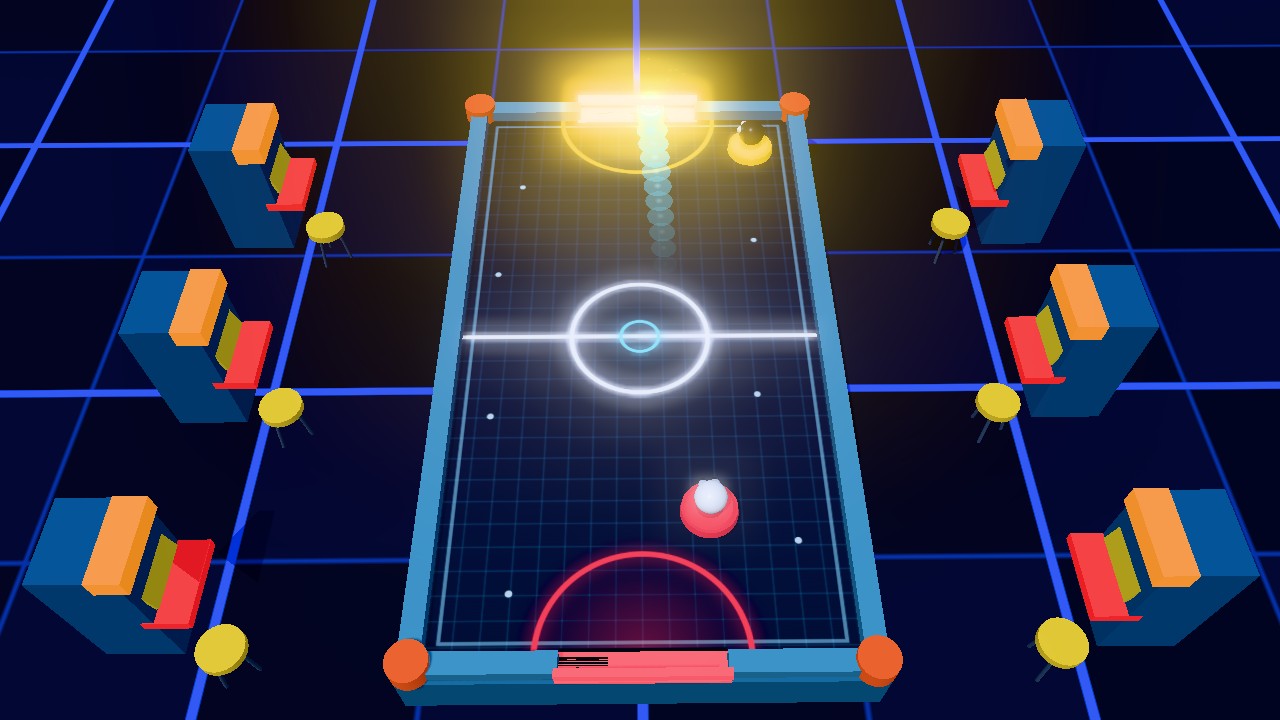
Slide the puck into the yellow goal to score and keep it out of the red goal behind you. Whoever reaches 7 goals first takes the match.
Your side of the rink is the closer one, and your paddle is the red one. The computer guards the yellow goal at the far end.
Rules of the match
The mallet follows you
Your mallet tracks the pointer or your finger anywhere in your own half. It cannot cross the centre line.
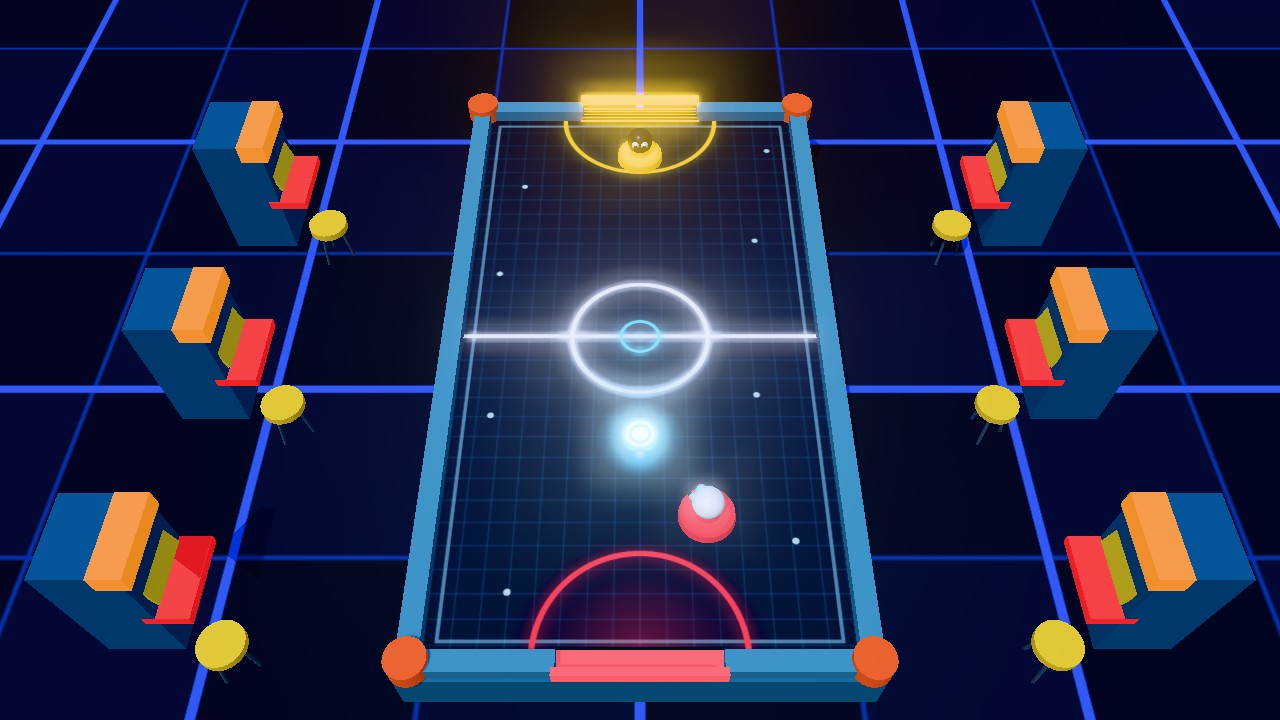
✓ Waiting for the serve: the puck sits in the half that conceded Speed in, speed out
The puck leaves at the speed your mallet was travelling. A soft nudge keeps control; a fast swipe through the puck fires it.
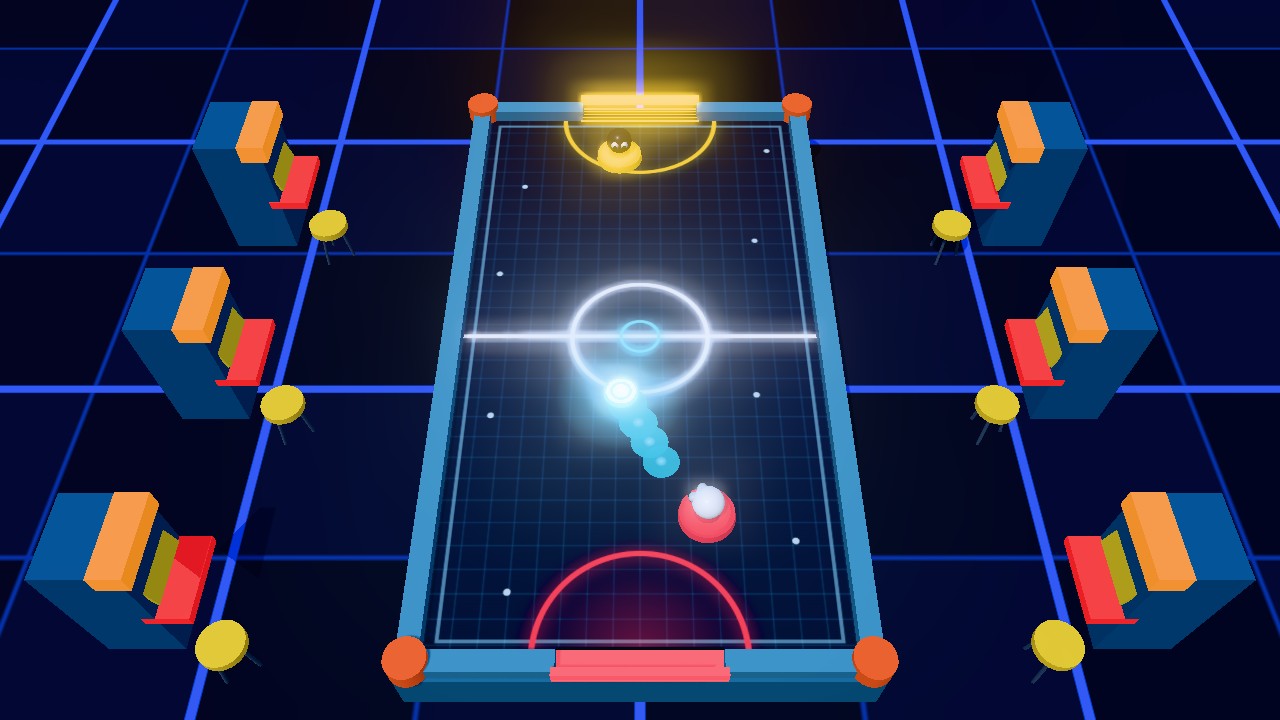
✓ A sharp swipe sends the puck flying off the red mallet Long rallies get faster
Each exchange adds to the rally counter and lets the puck travel a bit faster. A goal resets it.
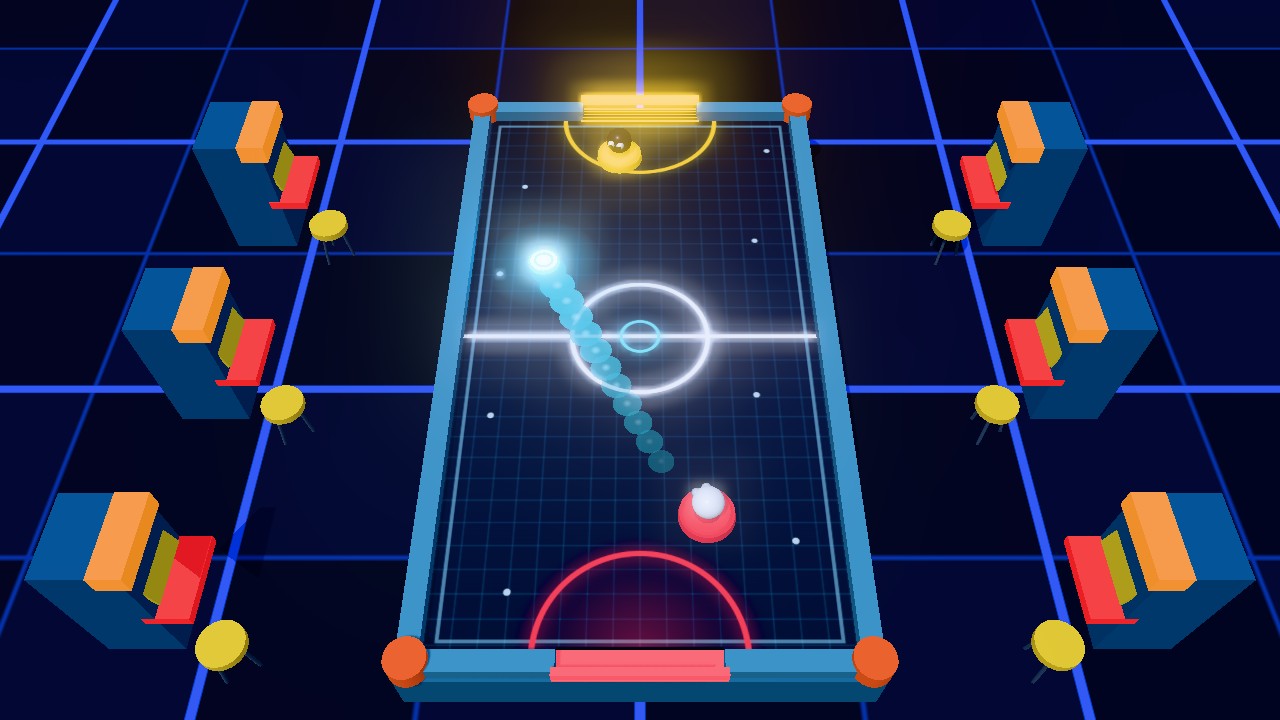
✓ A faster puck leaves a longer glowing trail The Speed Burst star
An orange star pops up on the table every few seconds. Send the puck through it and it rockets at top speed for three seconds, whoever hit it.
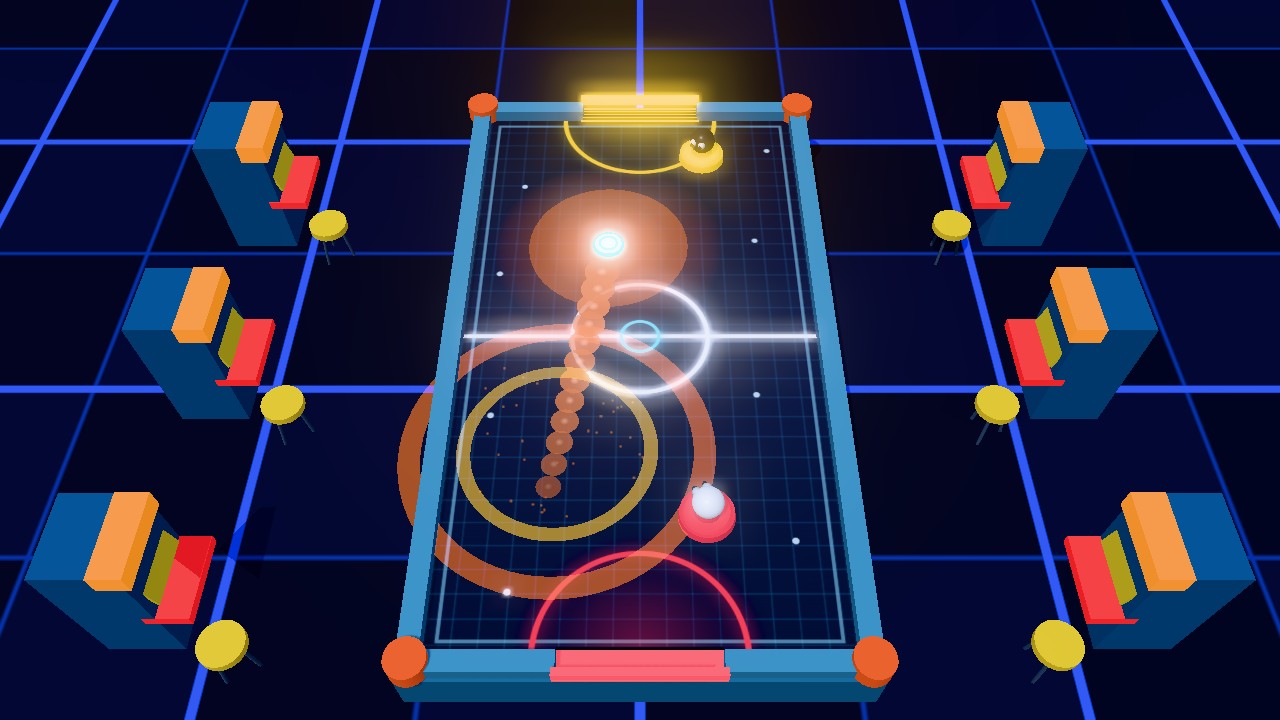
✓ Speed Burst: the puck glows orange and streaks away
Your controls· Controls
- ▸Mouse or trackpad: move the pointer over the table. There is nothing to click.
- ▸On a touch screen, put a finger on the table and drag. The mallet sits slightly above your fingertip so your hand does not hide it.
- ▸The round arrow button returns to the start screen to change level.
- ▸Forgot the controls? Hit the ? icon and the quick guide plays once more.
- ▸The game needs a browser with 3D graphics (WebGL 2), which current Chrome, Edge, Firefox and Safari all support.
After every goal the puck is placed in the half of the player who just conceded, so they serve next.
How to score more and concede less
Angles beat raw speed. Most goals against the computer come from shots it had to guess.
- 01
Stay between puck and goal
When the puck comes towards you, guard the line to your goal instead of chasing it around.
- 02
Rail shots force the computer to guess Bank it off a rail
A shot off the side rail arrives at an angle and is much harder to cover than a straight one.
- 03
Follow through
Keep moving through the puck as you hit it. Stopping at the moment of contact produces a weak shot.
- 04
Short and quick beats wild
Huge swings can knock the puck off your own back rail and into your goal.
- 05
Pounce on a crawling puck
When the puck crawls into your half, that is the moment to attack. Line up behind it and aim for the open side of the goal.
Levels
Pick your level from the opening screen. Wins and losses are kept for each level, and your longest rally is saved too.
- Tier 1
Level: Easy
How the computer plays: Slow to react and often off target. Good for getting the feel of the mallet.
- Tier 2
Level: Medium
How the computer plays: Quicker, protects its goal and fires back.
- Tier 3
Level: Hard
How the computer plays: Reads your rebounds early and tucks its shots right into the corners of your goal.
Air Hockey Duel FAQ
- Is this air hockey 2 player?
- Not at the moment. Air Hockey Duel is played against the computer only. With friends, take turns and compare who wins on Hard or who sets the best rally. For head-to-head games on one screen, try the 2 player games on Duo2Go such as the tank game or the floppy basketball.
- Will a touchscreen work?
- Yes. Drag a finger across the table to move your mallet.
- Why does the puck keep speeding up?
- Longer rallies raise its top speed, and the orange star adds a three-second Speed Burst. Everything resets after a goal.
- How many goals to win?
- Seven. The first side to score 7 wins the match.
- Does it run on a Chromebook?
- Yes, as long as the browser supports WebGL 2, which current Chromebooks do.
- Is it free?
- Yes. Duo2Go charges nothing for it, sells nothing inside it and needs no install.