P1 + P2 · one screen
2 player games
Pull up a second chair. These 5 games have a real two-player mode on one device: split the keyboard, or share a tablet. Every one of them is free and starts in seconds.
 P1P2
Tic Tac Toe 2 Player
2 players · Board & Cards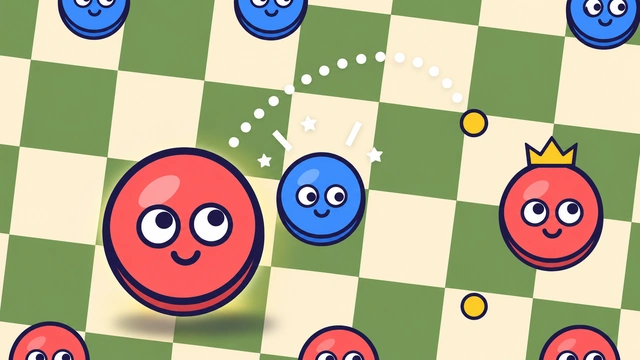 P1P2
Checkers 2 Player
2 players · Board & Cards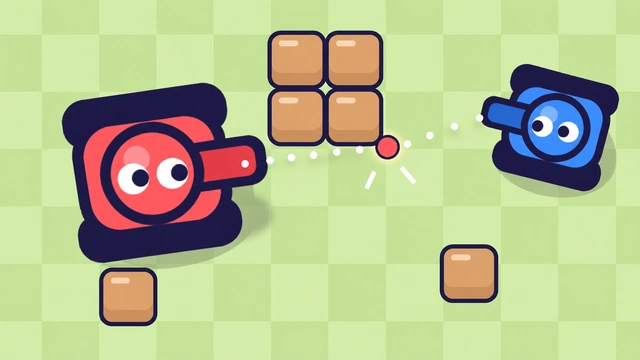 P1P2
Tank Game 2P
2 players · Action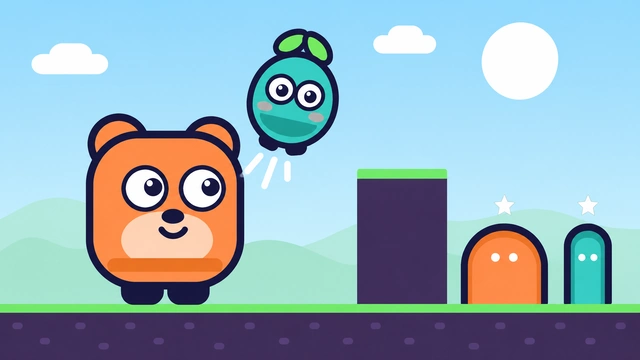 P1P2
Pip & Pop Duo
2 players · Action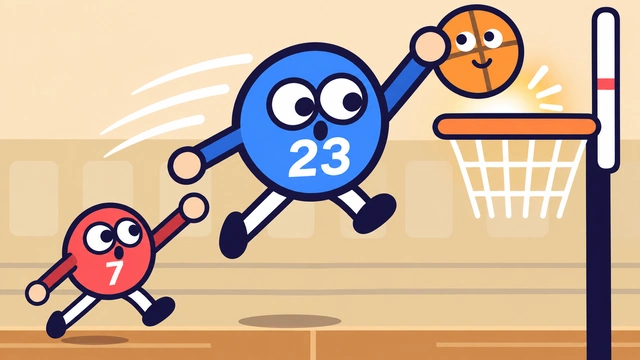 P1P2
Floppy Basketball 2P
2 players · SportsWho presses what
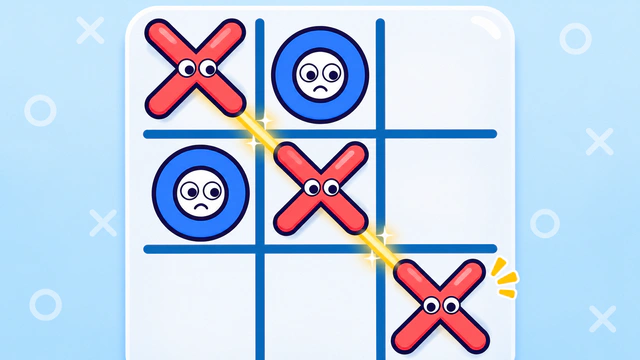
- Tic Tac Toe 2 Player
Take turns tapping the board on one screen. Swap who plays X after each round so both get to go first.
X versus O on one shared screen.
- Checkers 2 Player
Take turns moving on one board. Lay a tablet flat on the table and sit facing each other.
Red versus blue, jumps are compulsory.
- Tank Game 2P
Red drives with W A S D and fires with F, blue drives with the arrow keys and fires with Enter. Needs a keyboard.
Ricochet shells, one keyboard, two tanks.
- Pip & Pop Duo
One player runs Pip with A, D and W, the other runs Pop with the arrow keys. A co-op game: you win together. Needs a keyboard.
Two friends, two doors, one plan.
- Floppy Basketball 2P
Red jumps with W, blue with the up arrow. On a tablet each player taps their own half of the screen.
One button per team, zero grace.
Friend went home? Duel the computer
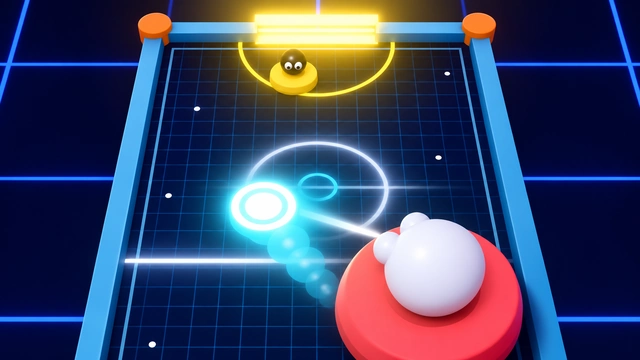
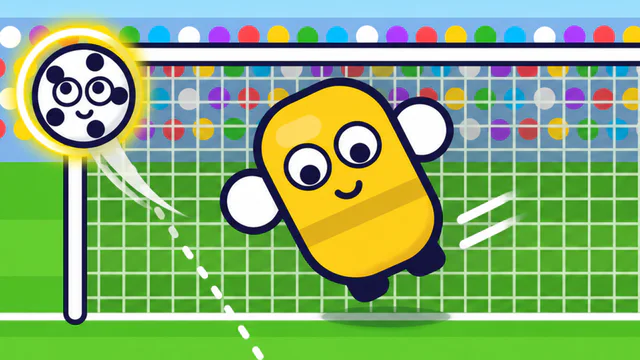
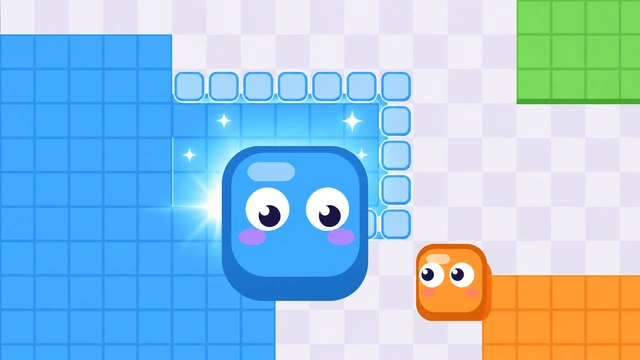
Single-player games with a computer opponent or a keeper to beat. Take turns and compare scores.
How 2 player games work here
Local multiplayer means both people play on the same device at the same time. On a keyboard the left player usually takes the letter keys around W, A, S and D and the right player takes the arrow keys, so you can sit shoulder to shoulder at one laptop. Turn-based games like checkers and tic tac toe need only one mouse or one finger, and you simply pass the move back and forth.
Scores stay on the screen for the whole session, so a quick game can turn into a best of five. No one needs an account.
2 player games FAQ
Do we need two computers or two accounts?
No. Every 2 player game on Duo2Go is played on one device. Both players share one keyboard, or one tablet screen, and nobody has to sign up.
Which games work on a tablet or phone?
The basketball game, checkers and tic tac toe work with touch. The tank game and the co-op platformer need a keyboard because both players steer at the same time.
Can I play these alone?
Yes. The tank game, the basketball game, checkers and tic tac toe all have a computer opponent with three difficulty levels, and the co-op platformer lets one player switch between both characters.
Two keys pressed at once sometimes do nothing. Why?
Some cheaper keyboards cannot register many keys at the same moment. If one player's shots go missing, try the other fire keys listed on the game's page, or move to a laptop keyboard.